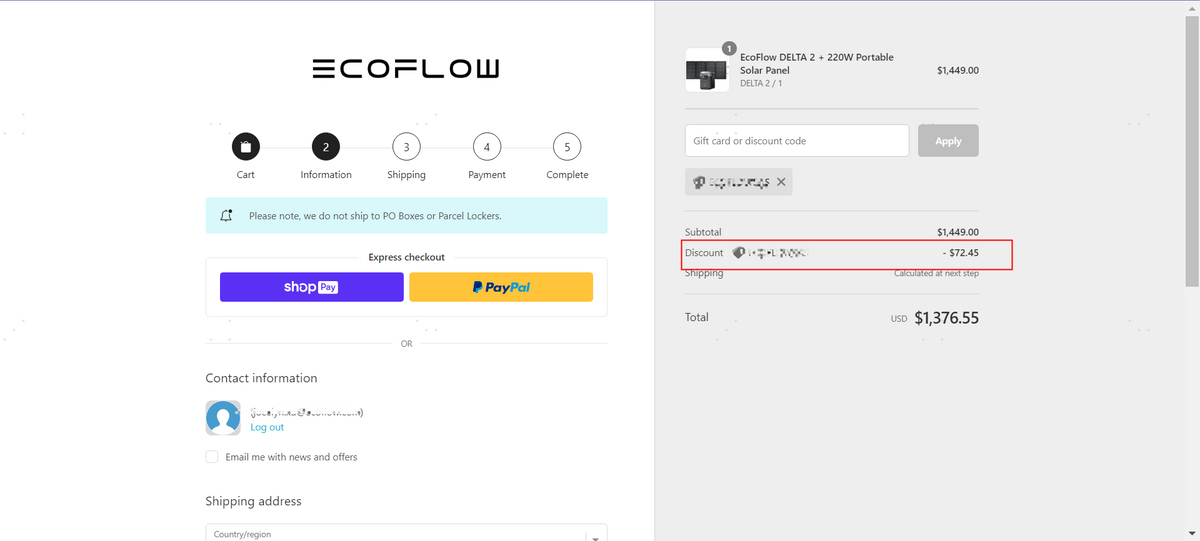

















Account Registration Guide
Step 1 - Register and Login
Register
If you have registered an EcoFlow Account before, you may skip this step.
Access the Login Page (click here) and click "Create Your EcoFlow Account" to access the Registration Page.
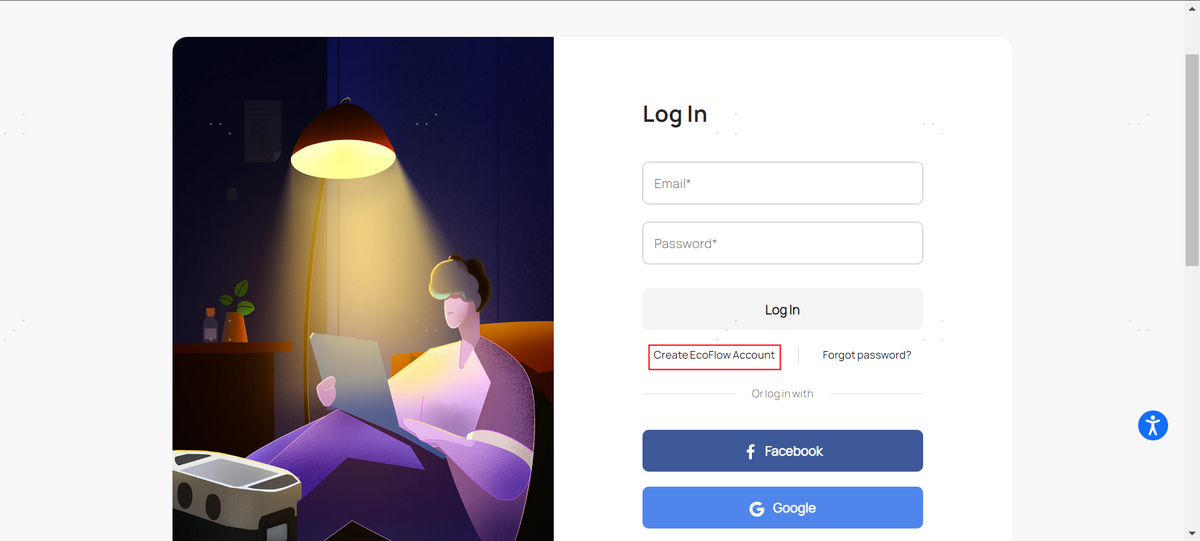
On the Registration Page, fill in your email address and password.
After you have read EcoFlow's Privacy Policy and Terms of Service, check " I agree to comply with the EcoFlow Privacy Policy and Terms of Service.
Then click "Register" to complete your registration.
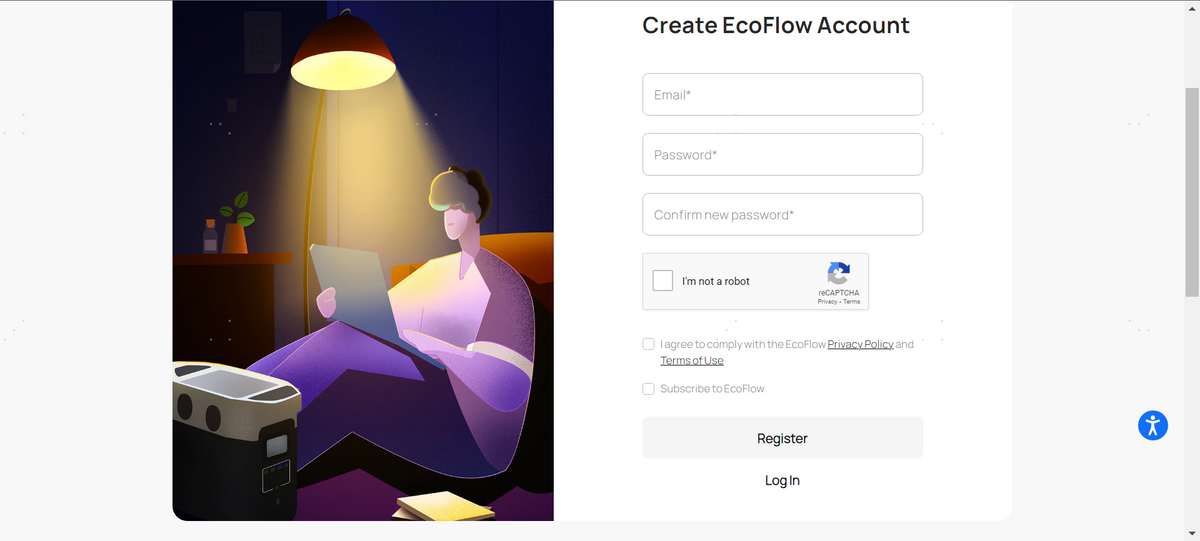
Login
Click the "EcoFlow Account" icon on the top right of the Home Page or visit account.ecoflow.com, to access the Login Page.
Log into your EcoFlow Account.
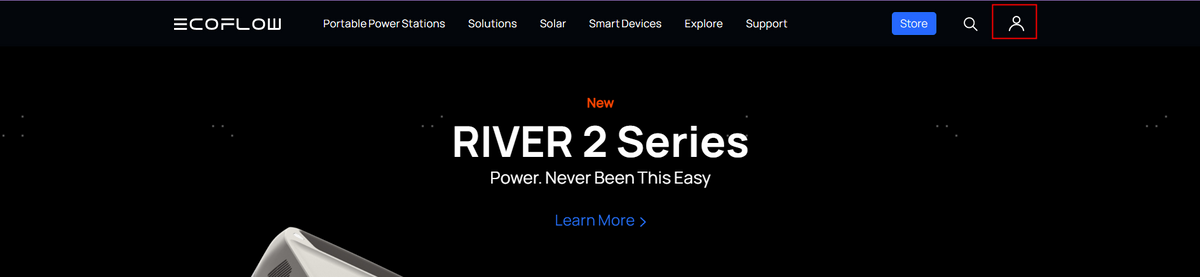
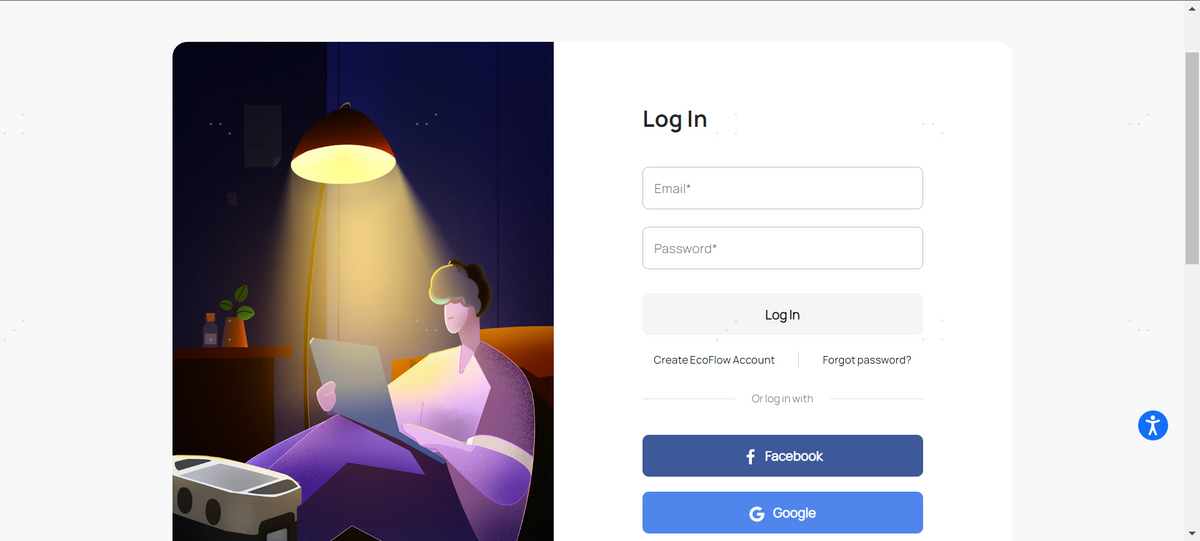
After you have logged in and reached the EcoFlow Account page, click the "Rewards" icon on the top right of the page to access the EcoCredits page.

Step 2 - Check Your Balance
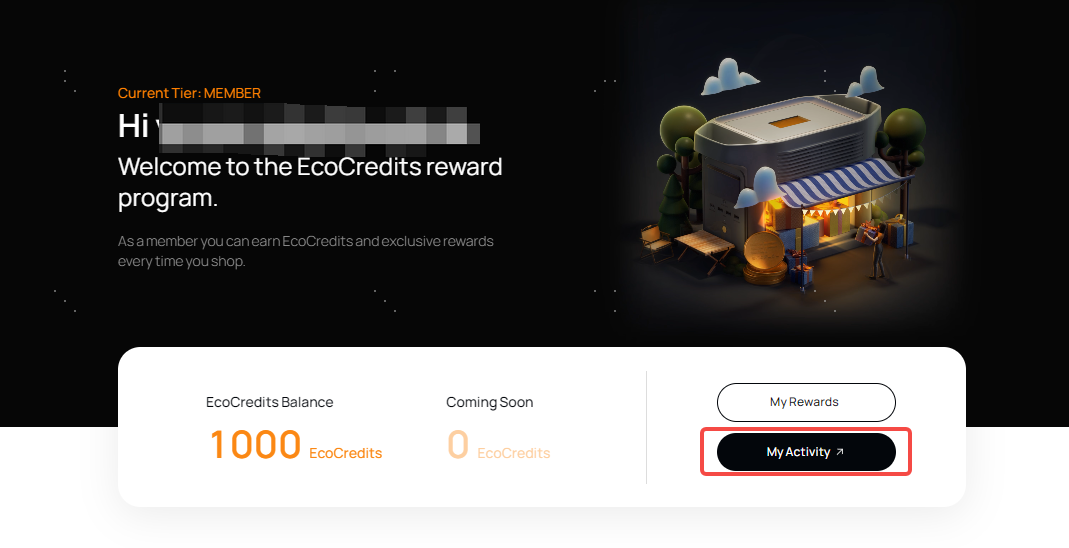
After you have logged in and reached the EcoCredits page, you can see your EcoCredits Balance. EcoCredits earned from a qualifying purchase will be delayed and shown as “Coming Soon”. Pending EcoCredits will be added to your balance after the purchased items are shipped out.
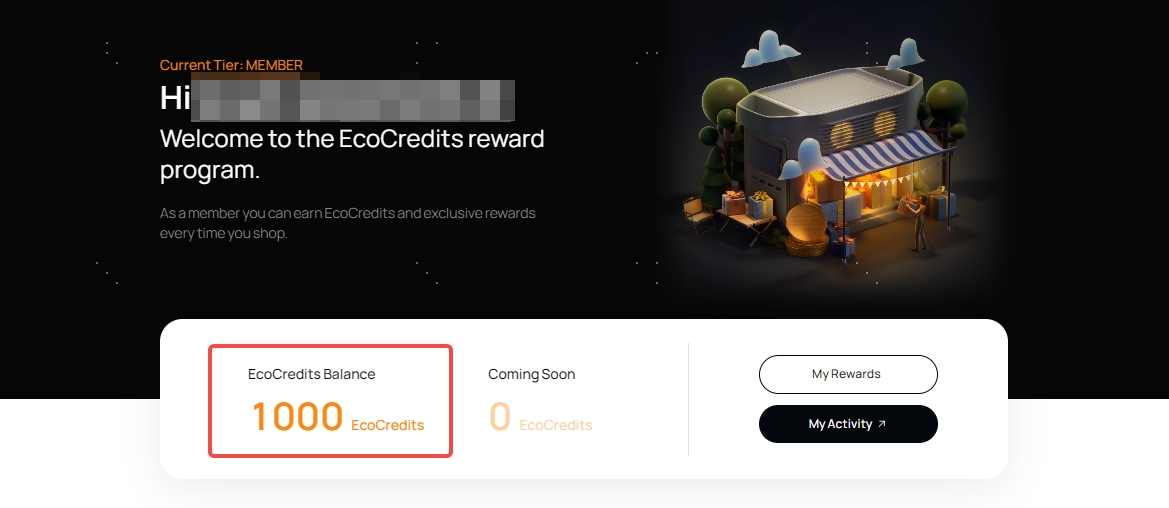
Click the button ‘EcoCredits ACTIVITY’ to check your EcoCredits earnings and redemption history.
Step 3-Earn EcoCredits
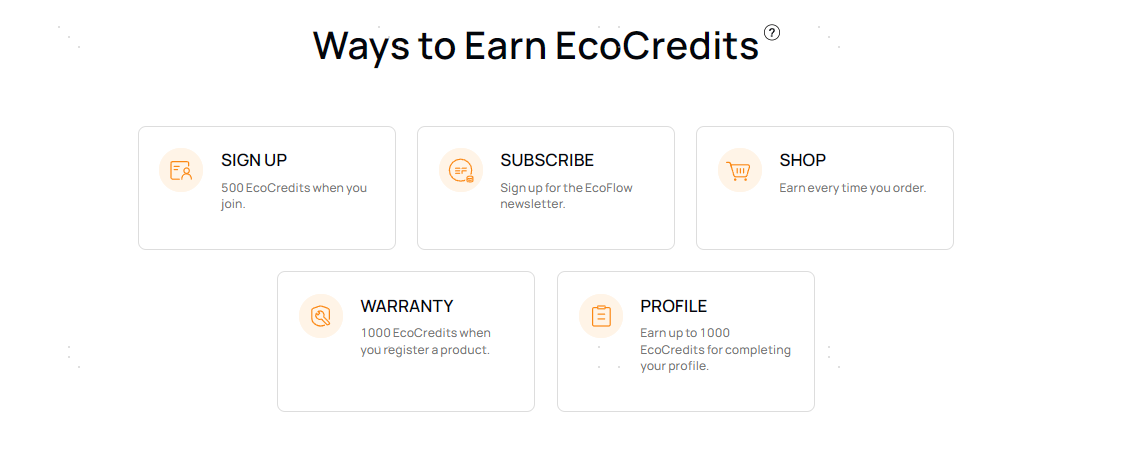
Check “Ways to Earn EcoCredits” and learn how to earn EcoCredits.
Step 4 - Redeem Rewards
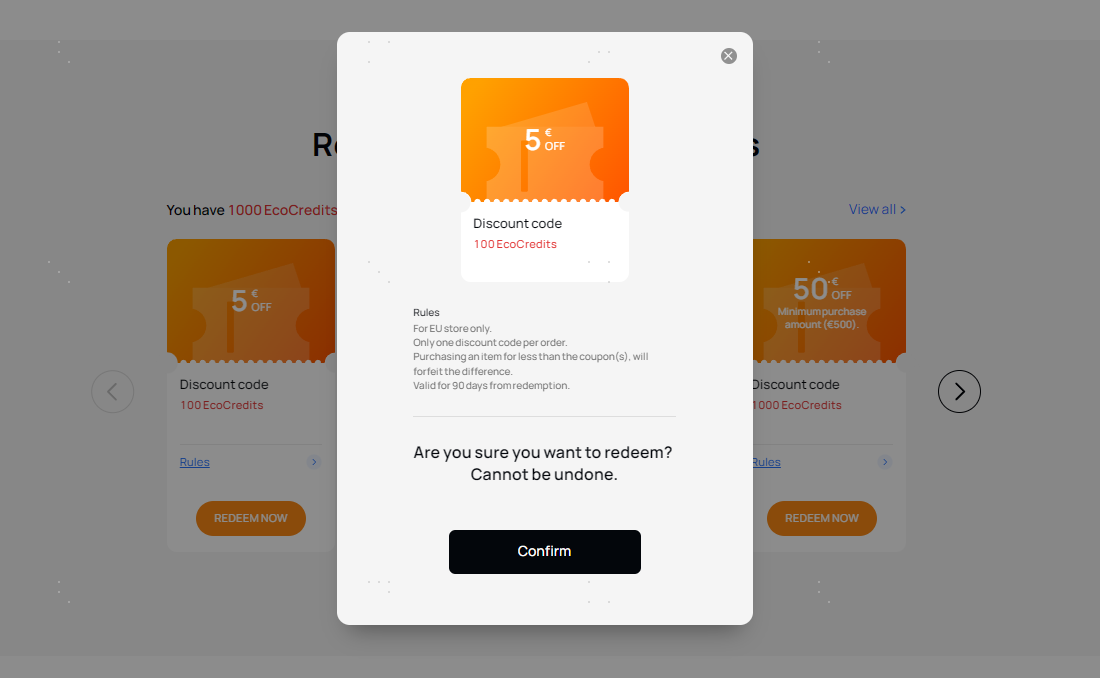
After logging in, click "REDEEM NOW" to redeem available rewards with your EcoCredits balance. Tap "Confirm" on the pop-up to complete the redemption.
Step 5 - Use Your Rewards
After you have redeemed your coupons, click the ‘Rewards Redeemed’ button to check your redeemed coupons or gift cards. Copy the coupon code or gift card code, then go to the store to use it.
On The EcoFlow.com store checkout page, enter your coupon code or gift card code to save on your purchase.